
Coming soon to Android and iPhone

Sell your car in a video.

South Africa's video-first car marketplace. Film a walkaround, list it while it uploads, and deal directly with the people who watched it.

  • Coming soon to Google Play — not available yet
  • Coming soon to App Store — not available yet

How it works

From filming the car to agreeing a deal, in four steps.

Step 1 · Selling

Film it once.

Open the camera in Revvid and walk around the car. It records in one continuous take, so what a buyer watches is what you filmed — nothing cut out.

  1. The full exterior, all the way round
  2. Every door, the boot and the bonnet open
  3. The engine running for ten seconds
  4. The odometer, clearly
  5. Any flaw you know about
30 s to 2 min
Filmed inside the app. Pause between shots and it all joins into one video.
Recorded with Revvid
The label buyers see on a video filmed with the Revvid camera while listing, rather than uploaded from a gallery.
Step 2 · Selling

Type while it uploads.

The upload starts the moment you stop recording. Fill in the make, model, year, price and mileage while it runs in the background, and by the time you have finished, the video usually has too.

Video first
Filming comes before the form, so the slow part happens while you are busy with the quick part.
Two short steps
The details, then a description in your own words: service history, reason for selling, anything a buyer should know.

Step 3 · Buying

Offer in one tap.

Pick 5, 10 or 20% under the asking price, or type your own number. The seller accepts, declines or counters, and the whole thing stays in your chat with them.

48 hours
An offer nobody answers lapses on its own, so no one is left waiting on a maybe.
Price only
An accepted offer agrees a price. No money moves through Revvid.

Step 4 · Buying

Or swap yours for it.

Offer your own car instead, and add cash to even it out. Revvid works out the difference in price before you send anything, and it is only a deal once both of you accept.

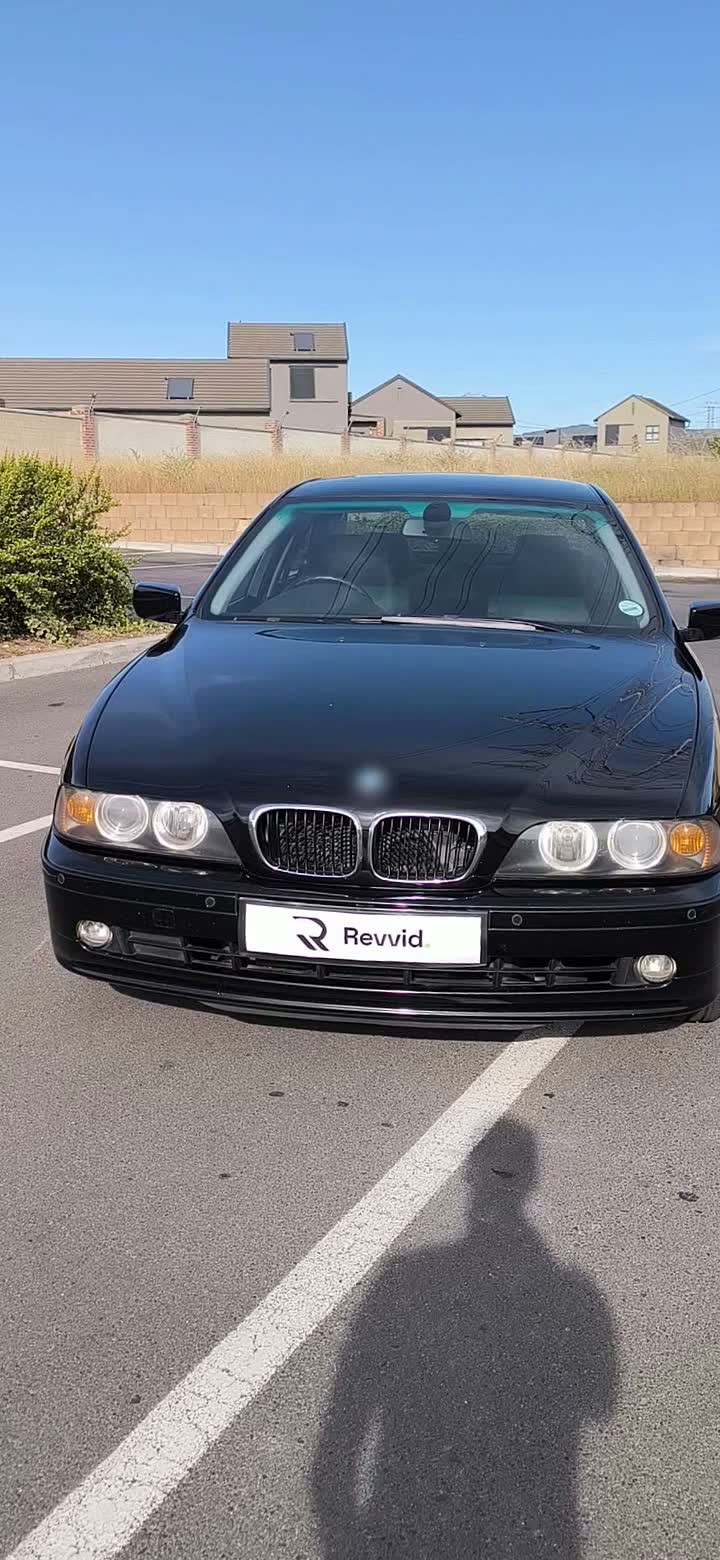
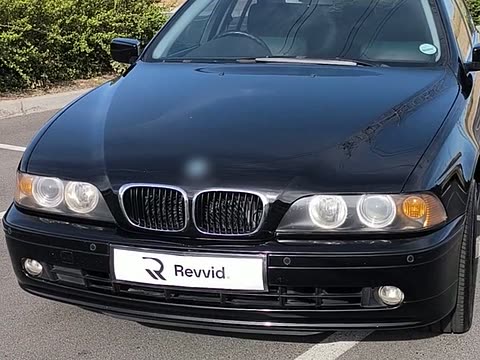
R 30 000
The gap between a VW Polo 1.4 Comfortline and this BMW, shown before you choose a top-up.
Both sides
Have to accept before a swap is agreed.
What to film, and the fine print

What to film

  1. The full exterior, all the way round
  2. Every door, the boot and the bonnet open
  3. The engine running for ten seconds
  4. The odometer, clearly
  5. Any flaw you know about
30 s to 2 min
Filmed inside the app. Pause between shots and it all joins into one video.
Recorded with Revvid
The label buyers see on a video filmed with the Revvid camera while listing, rather than uploaded from a gallery.
Video first
Filming comes before the form, so the slow part happens while you are busy with the quick part.
Two short steps
The details, then a description in your own words: service history, reason for selling, anything a buyer should know.
48 hours
An offer nobody answers lapses on its own, so no one is left waiting on a maybe.
Price only
An accepted offer agrees a price. No money moves through Revvid.
R 30 000
The gap between a VW Polo 1.4 Comfortline and this BMW, shown before you choose a top-up.
Both sides
Have to accept before a swap is agreed.

Safety

Know what you're driving out to see.

Buying a car from a stranger is mostly a question of trust. These are the parts of Revvid built to answer it.

  • The car, moving

    Every listing is a video walkaround, so you have seen the paint, the interior and the engine running before you make the drive.

  • Recorded with Revvid

    Videos filmed with the Revvid camera while listing carry this label, and uploaded videos are labelled as uploads. It shows how the video was made, not that the car or the listing has been checked.

  • Report from any listing

    Every listing has a report button, and every report is read by a person. Sellers who break the rules lose the ability to list.

  • No money in the middle

    Revvid never holds a deposit. An accepted offer agrees a price; how and when you pay is between you and the seller.

For dealerships

Selling more than one car?

Dealers list on Revvid with the same video walkarounds as everyone else, under our Dealer Terms. Tell us about your stock and we will get back to you.

For advertisers

Reach people shopping for a car.

Insurance, finance, tyres, tracking, detailing: if car buyers need it, register your interest in advertising on Revvid and we'll be in touch when it opens.

Questions, answered.

The things people ask first. Anything else: [email protected].

Is Revvid free to use?

Yes. Browsing, chatting, making offers and swaps, and listing up to three cars at a time are free. Optional extras — a membership to list more cars at once, and Boosts that show a listing to more buyers — are priced in the app before you pay.

How do I pay for a car?

Directly with the seller, outside the app. An accepted offer agrees a price and nothing more: Revvid never takes a deposit or holds money. See the car and its papers, somewhere public, before you pay anything.

Is my phone number shown to buyers?

No. Before your first listing you confirm a South African mobile number with a code sent on WhatsApp, and your profile shows a "phone verified" badge. The number itself is never shown on your listings or your profile.

What does "Recorded with Revvid" mean?

That the video was filmed with the Revvid camera while the car was being listed, rather than uploaded from a phone's gallery. It shows how the video was made, nothing more: it does not confirm the car's condition or who owns it, and nobody has checked the listing.

Can I swap my car instead of paying cash?

Yes. Offer one of your own listed cars for theirs, and add cash to even it out if you like. Revvid works out the difference in price before you send anything, and it's only a deal once both of you accept.

When can I download it?

Soon, on Android and iPhone. Leave your email below and we will tell you the day it goes live.

The Revvid app icon

Be first in line.

Revvid is coming to Android and iPhone. Leave your email and we'll tell you the day it goes live. Dealers who want to list from the start: talk to us.

I use
  • Coming soon to Google Play — not available yet
  • Coming soon to App Store — not available yet